
Finishing the work does not always mean the money has arrived.
An invoice may have been created, but the customer might not have paid yet. Another customer may have paid only part of the balance. An older invoice may already be overdue.
When that information is spread across documents, spreadsheets and bank records, it becomes difficult to understand the operational financial position of the business.
Waypoint’s Finance area brings that information together.
It helps businesses see what has been invoiced, what has been received and what remains outstanding without disconnecting the money from the clients and work that generated it.
Completing the work is only part of running a business. Waypoint helps you see what you have earned, what has been paid and what you are still owed.
See more than completed work
Before an invoice is created, Waypoint’s Work area keeps the client activity, itemised costs and supporting documents connected.
A completed job or service tells you that the work has been delivered. It does not automatically tell you whether the business has been paid.
This distinction matters. A business may have completed a strong month of work while still waiting for a large proportion of that income to arrive.
Waypoint connects the journey from Work → Invoice → Payment.
Instead of looking only at activity, the business can answer more useful questions: how much has been invoiced, how much has actually been paid, how much remains outstanding, how much is overdue and which customers still owe money.
Understand the Financial Overview
The page is labelled Financial Overview and begins with five exact summary cards.
For the default period, the labels are Invoiced this month, Paid this month, Outstanding, Overdue and Awaiting invoice.
When another reporting period is selected, the first two labels become Invoiced in period and Paid in period.
Invoiced is calculated from non-void invoices whose invoice date falls inside the selected reporting period. Paid is calculated from payment transactions whose payment date falls inside that period.
Outstanding and Overdue are different: they show the current unpaid position across accessible, non-void invoices. They are not limited to invoices first raised during the selected period.
Awaiting invoice shows the value of completed, invoice-required work in the selected period that does not yet have a linked non-void invoice.
These summaries provide an immediate starting point without requiring the user to total every invoice manually.
- Invoiced this month or Invoiced in period
- Paid this month or Paid in period
- Outstanding
- Overdue
- Awaiting invoice
Finance totals use the workspace currency. When accessible invoices exist in another currency, Waypoint excludes them from the displayed totals and shows how many records were excluded.
A reconciled demonstration
Consider three demonstration invoices dated in July 2026.
Harbour Property Services Demo has a £6,450 Office refurbishment invoice due on 31 July. A £4,000 payment has been recorded, leaving £2,450 and a Part paid status.
Oakfield Garden Services Demo has a £4,800 Rear garden landscaping invoice due on 10 July. No payment has been recorded, so the full £4,800 is Overdue on 16 July.
Greenfield Accountancy Demo has a £2,400 Business systems consultancy invoice. A £2,400 payment has settled it in full, producing a Paid status and no remaining balance.
If all three invoice dates and both payment dates fall in July, the summary reconciles to £13,650 invoiced, £6,400 paid, £7,250 outstanding and £4,800 overdue.
The totals separate billed value from money actually received while retaining the current collection position.
Know what has actually been paid
An invoice is not money received merely because it has been created.
Waypoint records payments as individual transactions against the relevant invoice. This allows the system to distinguish between an invoice that is Unpaid, Part paid, Overdue or Paid.
Void is also a supported invoice status, and void invoices are excluded from Finance totals.
The Paid summary uses the transaction’s Payment date rather than the invoice date. This gives a clearer operational view of money recorded as received during the selected period without claiming formal cash-basis accounting treatment.
Stay on top of outstanding invoices
The Outstanding invoices section lists every accessible non-void invoice with a remaining balance.
Each row shows the invoice number, client, Invoice date, Due date, Total, Paid, Outstanding and current status.
The row also provides View and Record payment actions.
This creates a practical collection list showing which invoices need attention, how much remains, which client owes the balance and whether any payment has already been recorded.
Fully paid invoices leave this section because their remaining balance is zero.
Identify overdue balances
An invoice is Overdue when its due date has passed and an unpaid balance remains.
Overdue takes visual precedence over Part paid. This means a past-due invoice remains Overdue after a partial payment until the final balance has been cleared.
For example, if a £1,200 overdue invoice receives £700, the remaining £500 stays in the current overdue position.
When the final £500 is recorded, the invoice becomes Paid and leaves the Outstanding invoices section.
This prevents a partial payment from making an unpaid invoice appear settled.
See which clients owe money
The Financial activity by client section connects the financial position to the relevant customer.
Each client row shows Completed work, Invoiced, Paid, Outstanding, Overdue and Last payment, together with the client account number.
The list can be sorted by Outstanding, Overdue, Invoiced or Client name.
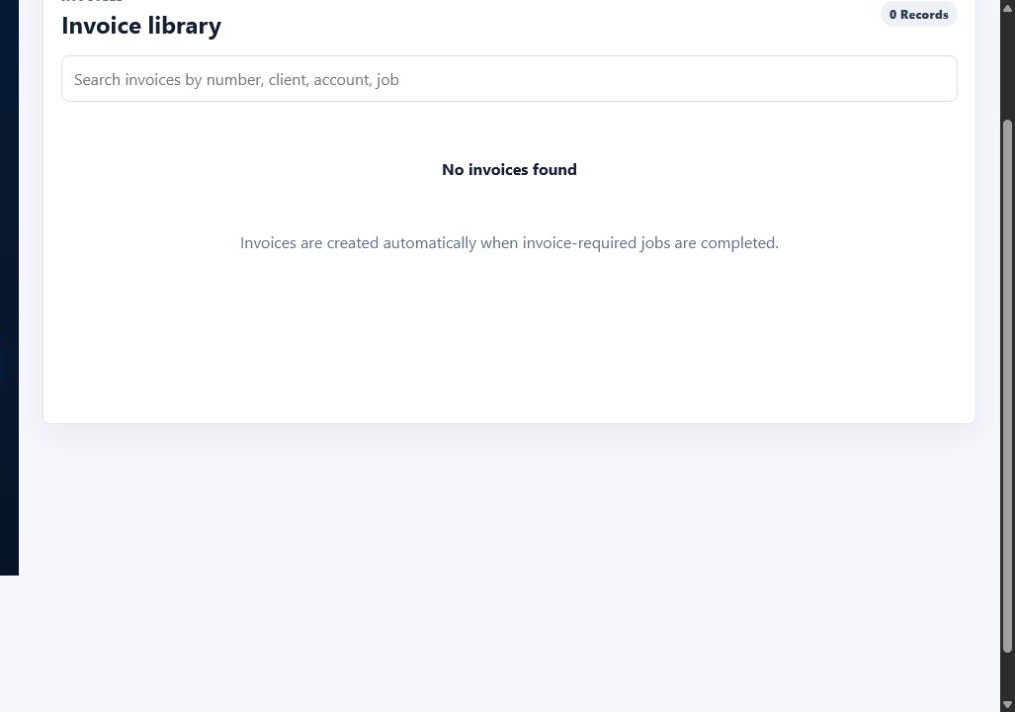
Actions open the relevant client, the Invoice library or Work area.
This helps the business understand which clients contribute to the overall unpaid balance and approach payment conversations with accurate information.
Record full and partial payments
Payments can be recorded from the Outstanding invoices section or through the Invoice library.
The Finance quick form contains Payment amount, Payment date, Payment method and Due date. The Invoice library provides a fuller Record payment dialog with the invoice total, amount paid, remaining balance, due date and current status.
In the Invoice library, Payment amount defaults to the current remaining balance. The user can enter a smaller value for a partial payment or use Mark as paid to apply the full remaining amount and today’s date.
Waypoint rejects zero, negative and overpayments, helping the transaction history remain consistent with the invoice balance.
A successful payment automatically recalculates the invoice and Finance totals.
Record how the payment was received
The exact payment-method options are Bank transfer, Card, Cash, Cheque, Direct debit and Other.
The full Invoice library workflow also supports Payment date, an optional Payment reference and an optional Note.
These fields create a more useful transaction history than manually changing an invoice status to Paid.
Keep a reliable payment history
Payments remain as individual transactions, so the business can see the sequence in which money was received.
The Payment history section shows the amount, payment date, method, reference, note, the person who recorded it and the entry date and time. Newest payments appear first.
For example, an invoice could retain a £500 deposit, £750 interim payment and £250 final balance as three separate records.
Owners and administrators can edit or reverse supported payment entries. Managers can record payments for invoices they are authorised to manage, but they cannot amend or reverse the history.
A reversed transaction remains visible with its reversal information for audit purposes, while invoice and Finance totals are recalculated.
This preserves the record of what happened rather than silently deleting the original transaction.
Let statuses follow the transactions
Waypoint calculates the displayed payment status from the invoice total, recorded transactions, remaining balance and due date.
A payment smaller than the balance produces Part paid when the invoice is not overdue. A payment covering the final balance produces Paid.
A past-due invoice with any balance remaining is Overdue, including where it has been partially paid.
This reduces the risk of the status disagreeing with the underlying payment history.
Understand the work behind the income
Businesses can also compare recorded job costs against the original estimate before reviewing the resulting invoice and payment position.
Financial information becomes more useful when it remains connected to the activity that created it.
Waypoint links each generated invoice to its client and completed Work record.
Finance also identifies completed invoice-required work that is still awaiting an invoice and provides an Open work action.
The aim is operational clarity: which work has been completed, what has been invoiced, what customers have paid and which balances remain.
Waypoint does not currently claim advanced profitability reporting from this view.
Review activity using the relevant date
Invoice date and payment date answer different questions.
Invoice date determines whether an invoice contributes to Invoiced for the selected period. Payment date determines whether a transaction contributes to Paid for that period.
The available filters are This month, Last month, This quarter, This year and Custom dates. Custom dates provide From and To fields and require a valid range.
This makes it possible to review operational activity for a chosen period without implying cash-basis accounting or formal accounting treatment.
Export the operational information
Finance provides CSV exports for the client summary, completed work awaiting invoice and outstanding invoices.
The exports use the same permission-filtered Finance information as the page.
They can support internal review, a conversation with a bookkeeper or accountant, separate analysis or an operational extract of unpaid balances.
They do not produce statutory accounts.
Financial visibility without becoming accounting software
Waypoint Finance is not intended to replace professional accounting software.
It does not provide double-entry bookkeeping, VAT returns, payroll, bank reconciliation or statutory accounts.
Its purpose is more immediate: helping a small business understand the operational position created by its everyday work, invoices and recorded payments.
The owner can see what has been invoiced, what customers have paid, what remains outstanding, what is overdue, which clients owe money and which work generated the invoice.
From completed work to received payment
The customer journey does not end when Work is marked complete.
The business still needs to create the invoice, receive the money and understand whether anything remains unpaid.
Waypoint connects Prospect → Client → Work → Invoice → Payment.
Instead of treating finance as a disconnected administrative task, the payment position remains linked to the customer and work behind it.
A clearer view of the business
A business can be busy without having received all the money it has invoiced.
Waypoint Finance exposes that difference.
By keeping invoice totals, payment transactions, outstanding balances and client information connected, the business gains a clearer view of what has been billed, received and still needs attention.
That means fewer forgotten invoices, better visibility of unpaid balances and a more accurate understanding of the business’s day-to-day operational financial position.
Frequently asked questions
Can I see how much has been invoiced?
Yes. Invoiced this month or Invoiced in period uses non-void invoices whose invoice date falls within the selected period.
Can I see how much has actually been paid?
Yes. Paid this month or Paid in period is calculated from recorded payment transactions using their Payment date.
Can Waypoint show outstanding invoices?
Yes. Accessible non-void invoices with a remaining balance appear in Outstanding invoices.
Can I see overdue invoices?
Yes. An invoice is shown as Overdue when its due date has passed and a balance remains.
Can I record a partial payment?
Yes. A payment smaller than the remaining balance can be recorded. It produces Part paid unless the invoice is already overdue, in which case Overdue remains the visible status.
What happens when the final balance is paid?
The invoice status recalculates as Paid and the invoice leaves the Outstanding invoices section.
Can I record the payment method?
Yes. Supported methods are Bank transfer, Card, Cash, Cheque, Direct debit and Other.
Does Waypoint retain payment history?
Yes. Payments remain as individual transactions with their date, method, reference, note, recording user and entry time.
Can incorrect payments be reversed?
Owners and administrators can use the supported edit and reversal controls. Reversed entries remain visible for audit purposes and totals are recalculated.
Is Waypoint an accounting package?
No. Waypoint Finance provides operational visibility of invoices and payments. It does not replace bookkeeping, statutory accounting, professional accounting software or financial advice.